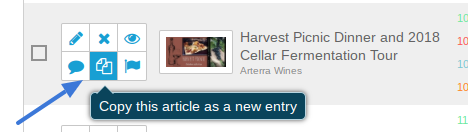
How to Duplicate an Event Post to Make a New Post.
Login to VaWineMarket.com with your Username and Password.
Navigate to the CMS | Event Manager page in the main navigation.
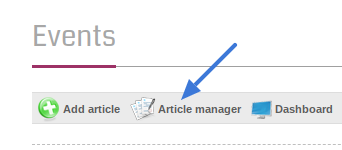
Click the Article Manager link at the top of the section.
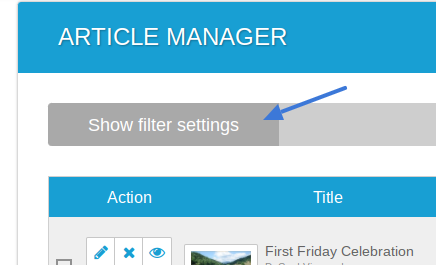
It can be helpful to use the Show Filter Settings to find the Event you are looking for to duplicate.
When you find your Event click the Duplicate button.