How to Edit Your Events Profile Footer
Login to VaWineMarket.com with your user credentials
Navigate to CMS | Profiles
Click the About Me link at the top of the Profile Manager section header.

The First Name, Last Name and Display Name part is loaded from your user profile. If you want to make changes here then you’ll need to edit your profile. See other instructions.
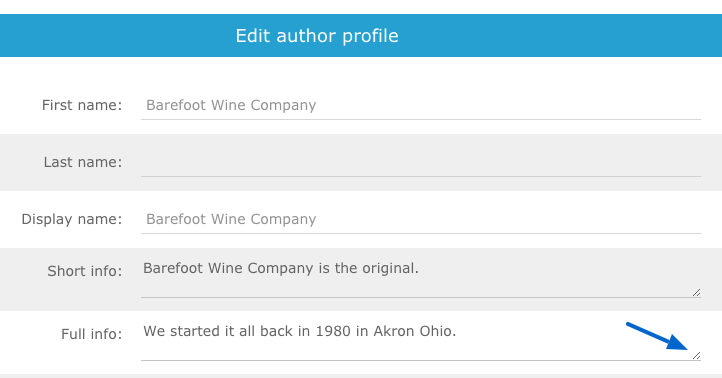
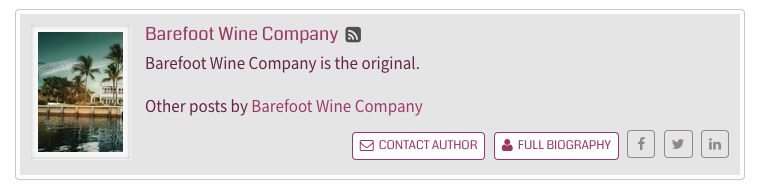
Short Info - appears at the bottom of your profile article.
Full Biography - appears in a popup when a visitor clicks the FULL BIO link in the footer.
HINT: Click and drag the dialog box corner to expand it for more visibility to edit.
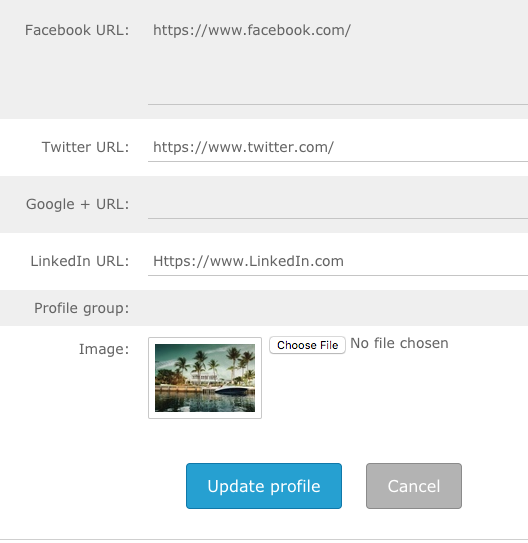
Facebook URL - enter a link address for your facebook page. Include the https://www in the link
Twitter URL: - enter the full link address to your twitter page.
Google+: - enter the full link address to your Google+ page.
LinkedIn URL: enter the full link address to your LinkedIn page.
Profile Group: [saved for future use - not editable at this time]
Image: Click the Choose File button to open your computer dialog box. Browse to a file location, select the file, and click open to load it. TIP: A logo is a nice image to use here.
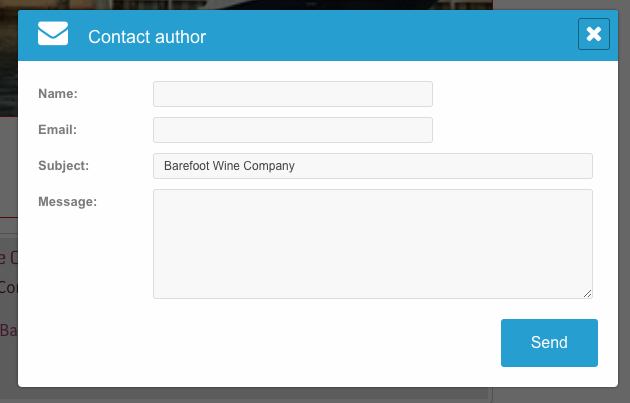
Contact Author: This button is linked to your user email address. Messages are sent directly to your email address on file associated with your account.
Be sure to click UPDATE PROFILE to save your changes. Or click Cancel to discard changes.
Contact Author Popup Example